Toolbox Talks on Autopilot: Turning Technical PDFs into Simple Training Videos with AI
Technical content turned into practical training, delivered in a way that fits the reality of an installation business.
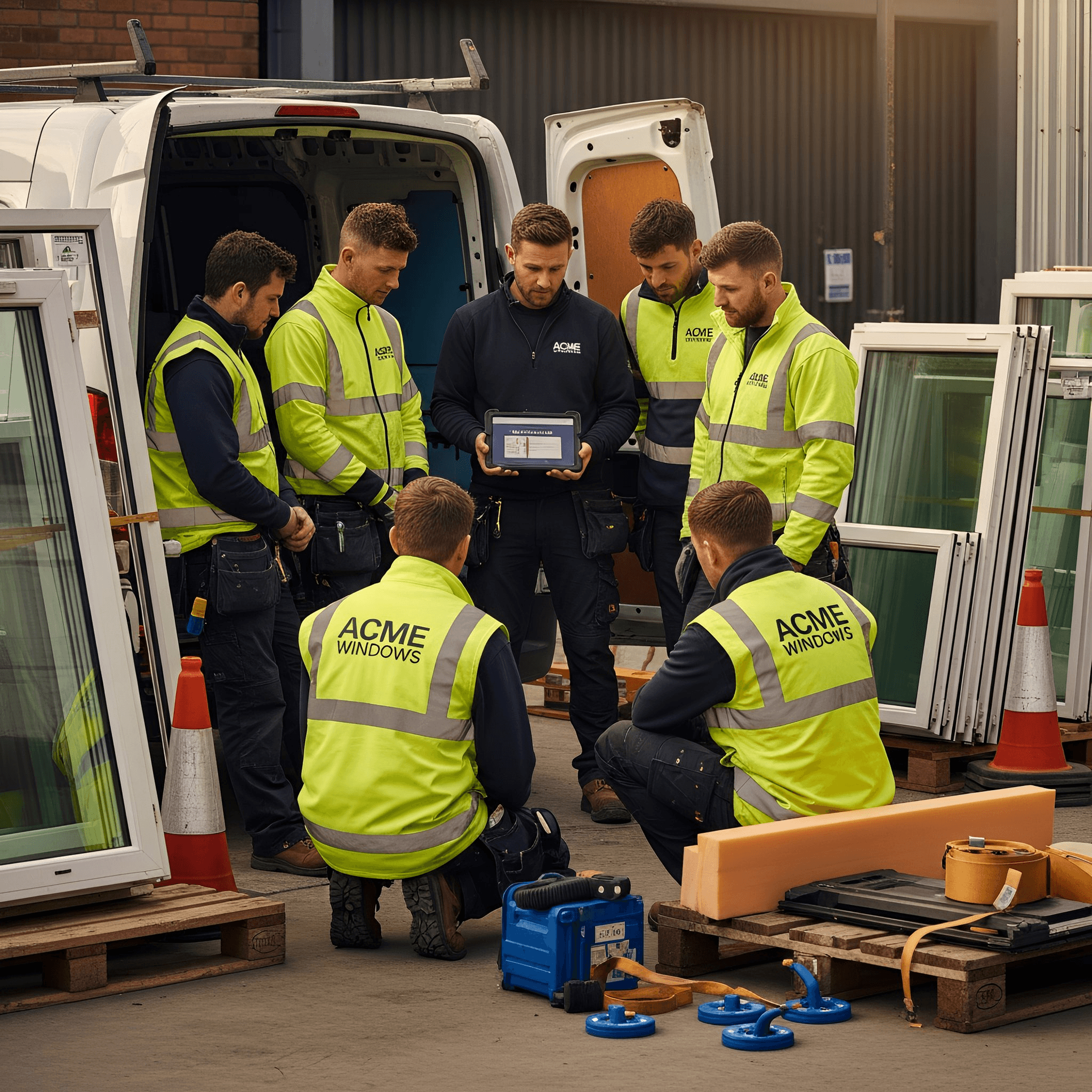
If you run an installation team, you will know the issue. A supplier updates an installation guide, you take on a new product, a hardware detail changes, or a compliance change suddenly matters on site. The information exists, but it is usually written for completeness, not for a fitter who has five minutes before loading up and heading to the next job.
That is where AI can earn its keep. Not by inventing advice, but by translating a technical source into a 5-7 minute toolbox talk video that your team can take in. The idea is, you feed it a brochure or install guide, and you turn it into practical training that fits the pace of an installation business.
There is one golden rule. AI will sound confident even when it is wrong. So, generate first, then sense check against the original PDF, especially for fixings, tolerances, ventilation, and any ‘must do’ steps. Treat AI like a junior member of staff, useful, but still needing supervision.
Here are three routes to create these videos, and a simple way to choose between them.
Before you start, choose a source that is site relevant. The best toolbox talks come from three places, a new supplier document, a recurring snag, or a near miss. If you have had a job where a minor technical error caused a big issue, that is a perfect topic because the team will recognise it. Keep a simple library of your finished talks, a folder of MP4s plus the one-page checklist. Before long, you will have 4-6 talks you can reuse when you take on a new fitter, start a new product line, or notice the same issue creeping back in. Consistency is what turns a good idea into fewer call backs.
Google Vids, quickest if you already live in Google Drive
If your business runs on Gmail and Google Drive, Google Vids is the most direct route because it can build an editable video draft around a document in Drive. It often sits inside Google Workspace, although access can depend on your plan and admin settings.
The workflow is simple. Upload the supplier PDF to Drive, and if it is long, trim it to the pages that matter for fitting and checks. Open Google Vids, start a new video, and use the AI create feature. Tell it you want a 5-7 minute toolbox talk for fitters, plain English, practical, and ending with a checklist, then select the PDF as the source.
Review the script for assumptions, tighten the language so it sounds like your team, then add voiceover, AI voice if you want speed, or your own voice if you want it to feel more human. Export as MP4 and share it where the team look, Teams, WhatsApp, or the job folder.
Canva, best for a branded, repeatable weekly format
Canva is ideal if you want a consistent “Toolbox Talk” look, with the same structure every time. It is a little more manual than Vids, but it is easy to systemise once you have a template. You will need a Canva account and many teams use a paid plan (£100/year for Pro) for brand controls and time saving features.
Start with a Canva Doc. Paste in the relevant sections from the supplier PDF, keep it focused. Use the writing assistant to turn that content into a toolbox talk script with, what the product is, where it is used, the common mistakes, the checks before you start, what to do if something does not match the paperwork, and a final checklist.
Turn that script into a short slide deck, one idea per slide, then set timings and add voiceover. Record your own voice for the most natural result or use an AI voice for speed. Build one master template, duplicate it each time, swap the content, add one or two product photos, export, share. This is an easy task for a marketer.
Synthesia, best when you want a presenter without filming anyone
Synthesia is built for training videos with a presenter using AI avatars. It suits businesses that want the same delivery style every time, without relying on someone being comfortable on camera. You will need a paid subscription (circa £120/year). Plans are limited by video minutes, so keep talks short and check allowances.
The cleanest way to use Synthesia is to separate content from presentation. First, produce your toolbox talk script from the supplier PDF, keeping it rooted in facts. Then build the video in Synthesia with short scenes, one practical point per scene, and a final checklist slide. Choose an appropriate voice, add a product image or diagram where it helps, generate, review for accuracy, export.
How to choose, quickly
If you want the fastest route from PDF to video and you already use Google Drive, Google Vids is usually the quickest. If you want the most control over branding and a repeatable format, Canva is easiest to systemise. If you want a presenter led format without filming, Synthesia is designed for that, just keep an eye on video minute limits.
How to start without overthinking it
Pick one supplier guide or topic that matters right now, ideally something new, or something that has caused confusion before. Create one toolbox talk video, keep it to 5-7 minutes, and test it with the team. Ask one question afterwards, was that useful, and what should the next one be about.
Then build the habit. One toolbox talk every couple of weeks is more than enough to feel a difference. Product understanding improves, mistakes reduce, and the team becomes more consistent, without you having to run a formal training programme.
That is the real win, technical content turned into practical training, delivered in a way that fits the reality of an installation business.
Originally published in Total Installer.